

The challenge
Orientation and Mobility training helps people who are blind or have low vision travel safely and independently. Practicing a new route, however, often requires another person to give directions or confirm each turn. This project asks: how might technology support independent route practice without replacing the cane skills and environmental awareness at the heart of O&M?
Rather than designing from assumptions, Lloyd worked directly with Willow as a project partner and user. Their conversations established the essential criteria: discreet, understandable, compatible with a mobility cane, and useful without distracting from the surrounding environment.
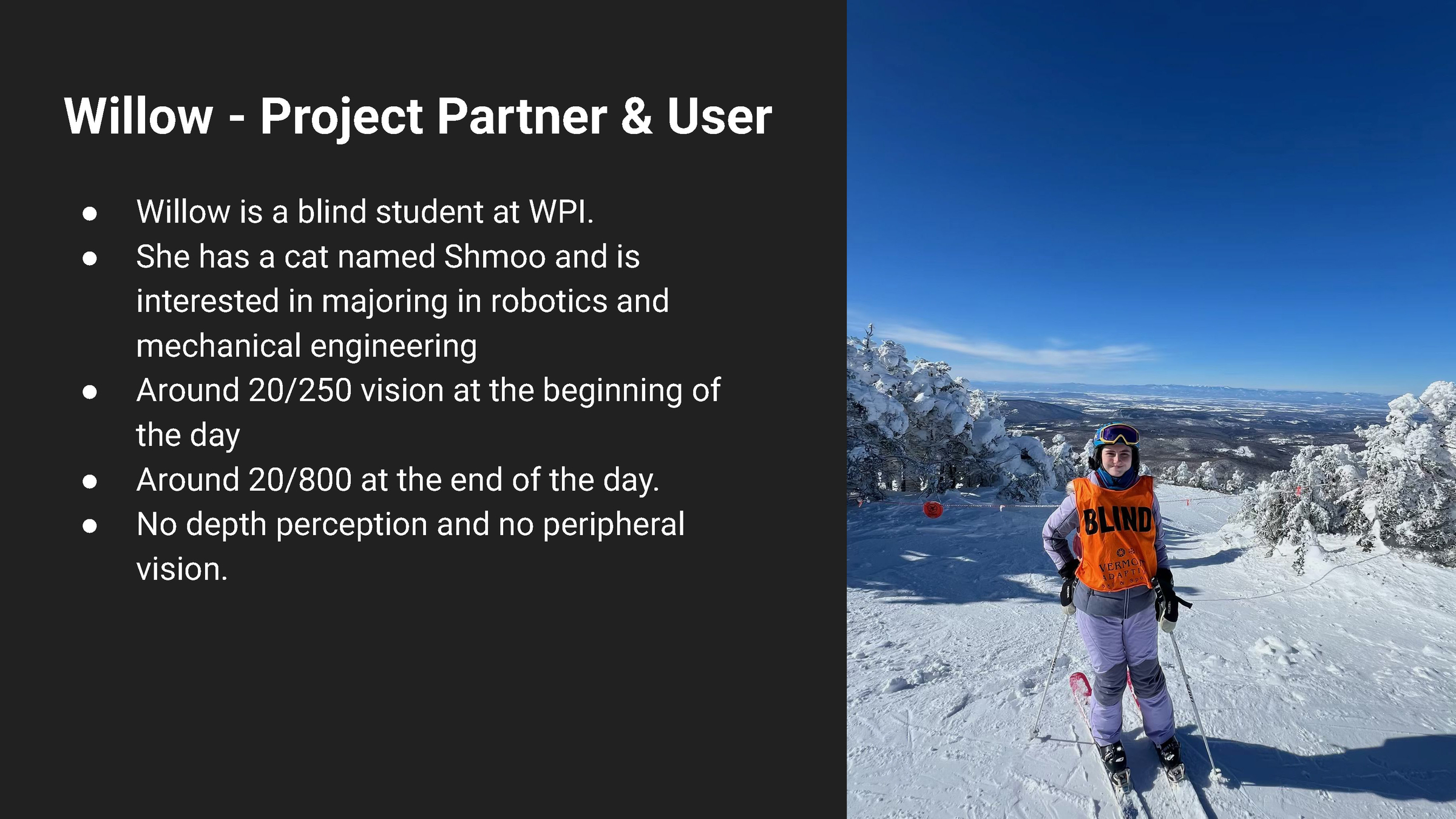
The project began with a real partner, grounding every design decision in her experience and goals.
Research and fieldwork
The project developed through visits, interviews, and research into existing navigation tools. Lloyd examined how travelers learn routes, what information is useful at decision points, and where conventional GPS directions can become too broad or intrusive.
The goal was not to automate navigation, but to identify a small set of prompts that could help someone remember and rehearse a route.

Research combined field observation, expert context, and conversations with the project partner.
Final direction
The resulting concept is a discreet training aid that supports route rehearsal through concise, user-controlled prompts. It keeps the mobility cane central to the experience and treats technology as a scaffold for building confidence—not as a substitute for O&M instruction, judgment, or awareness.
Created by Lloyd Graves during Capstone 2026, Session III.
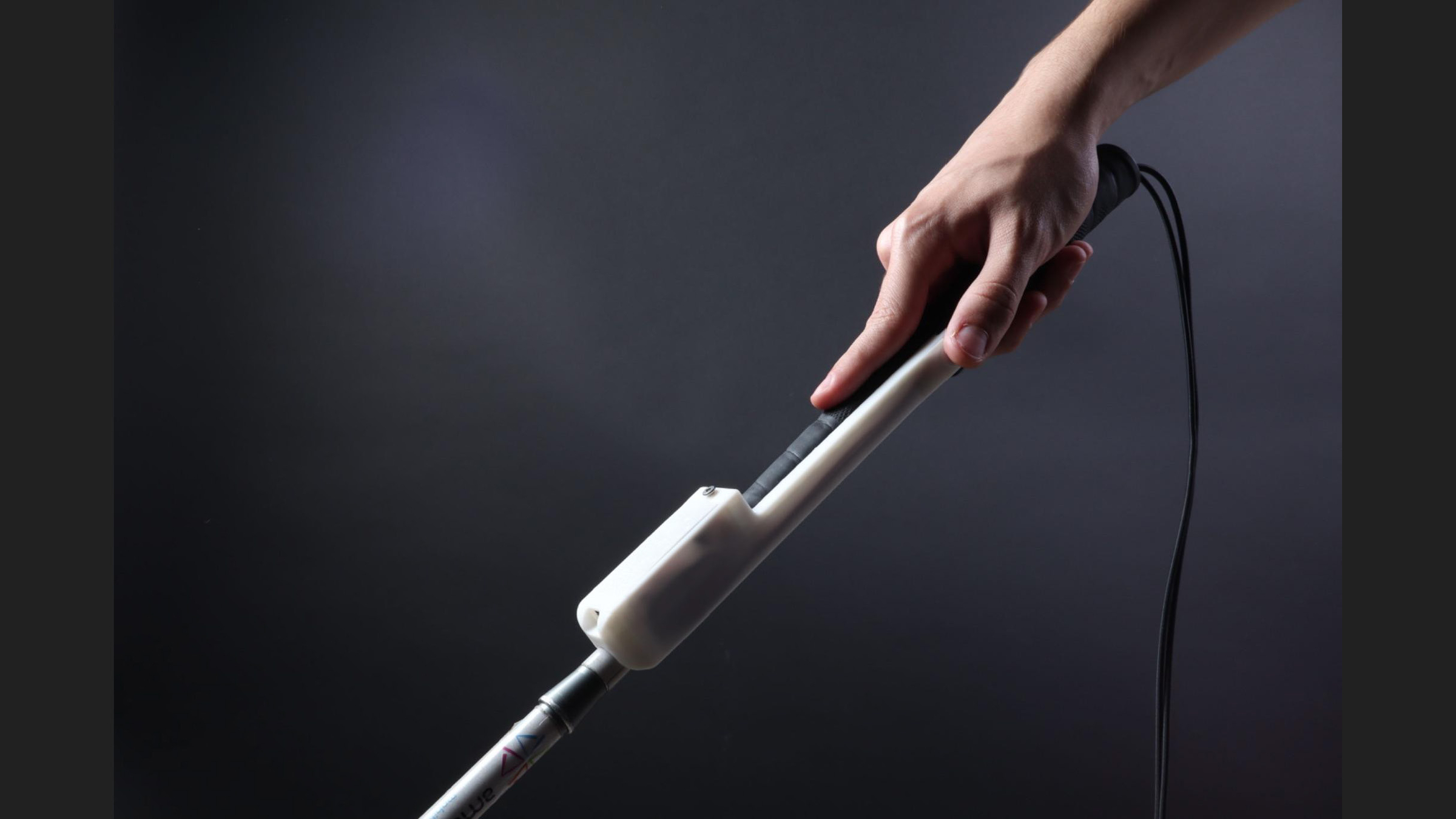
The final direction brings the navigation system into a compact, cane-mounted prototype.
Testing the interaction
Early prototypes were placed in the user’s hands as quickly as possible. Testing explored where the device should sit on the cane, how controls could be located by touch, and which forms of feedback were easiest to recognize.
Direct feedback led to a simpler interaction built around clear audio and light signals while preserving the tactile information already provided by the cane.

User testing revealed what felt intuitive, what was distracting, and what needed to change.
Designing the system
The system was conceived with two complementary approaches. A GPS-assisted mode could recognize locations and offer prompts along a stored route. A manual mode could let the user move through a sequence of instructions without depending on precise positioning.
Comparing these approaches clarified both the technical possibilities and the importance of giving the user control.
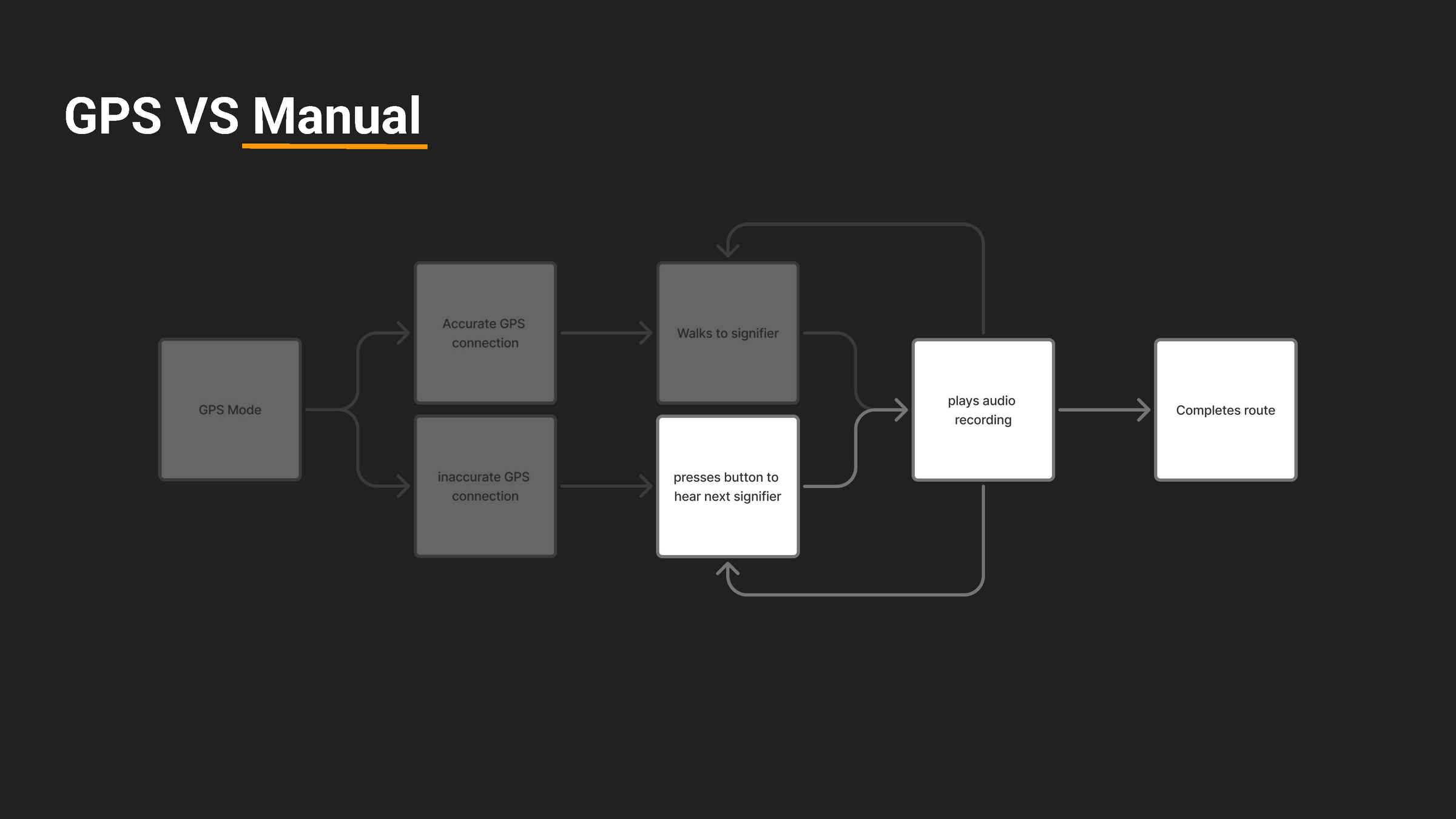
System mapping compared GPS-assisted guidance with a controllable manual sequence.
From sketch to prototype
Form and function evolved together. Sketches explored how a compact device could attach securely without interfering with normal cane use.
Successive physical prototypes refined the grip, controls, electronics, and enclosure, turning a broad idea into something that could be held, operated, and evaluated in context.
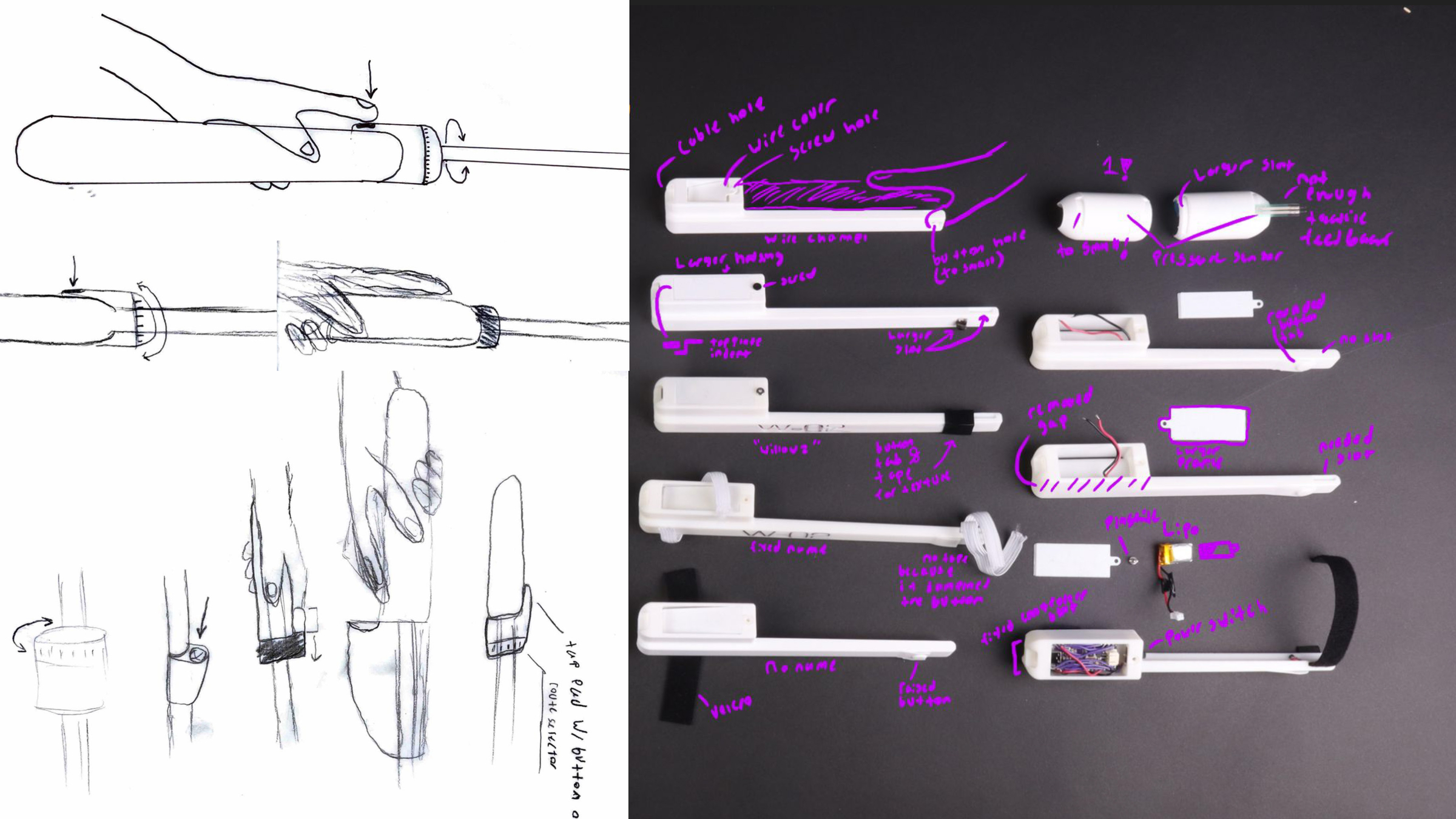
Sketches and iterative models developed the attachment, controls, and physical form.